Data Analytics with GenAI Course Roadmap in Calicut

Data Analytics (GEN-AI)

Data Analytics Courses in Calicut

The Data Analytics with GenAI course at Techolas Technologies is designed to prepare students for the evolving world of data-driven decision-making. This industry-oriented program combines essential data analytics skills with the power of Generative AI, helping you transform raw data into meaningful insights and business strategies.


Through practical training in Python, SQL, Advanced Excel, Power BI, Data Visualization, Machine Learning, and AI-powered analytics tools, you will gain the technical expertise required to solve real-world business problems. Learn how to leverage Generative AI to automate data workflows, simplify complex analysis, generate insights, and improve decision-making.


Whether you are a beginner, graduate, or working professional, this course helps you build a strong foundation and become career-ready for the growing data analytics industry.

360 hours on-demand training

50 hours projects

Capstone Projects

60 hours of pre-placement program

Certificate of completion

Our Certifications

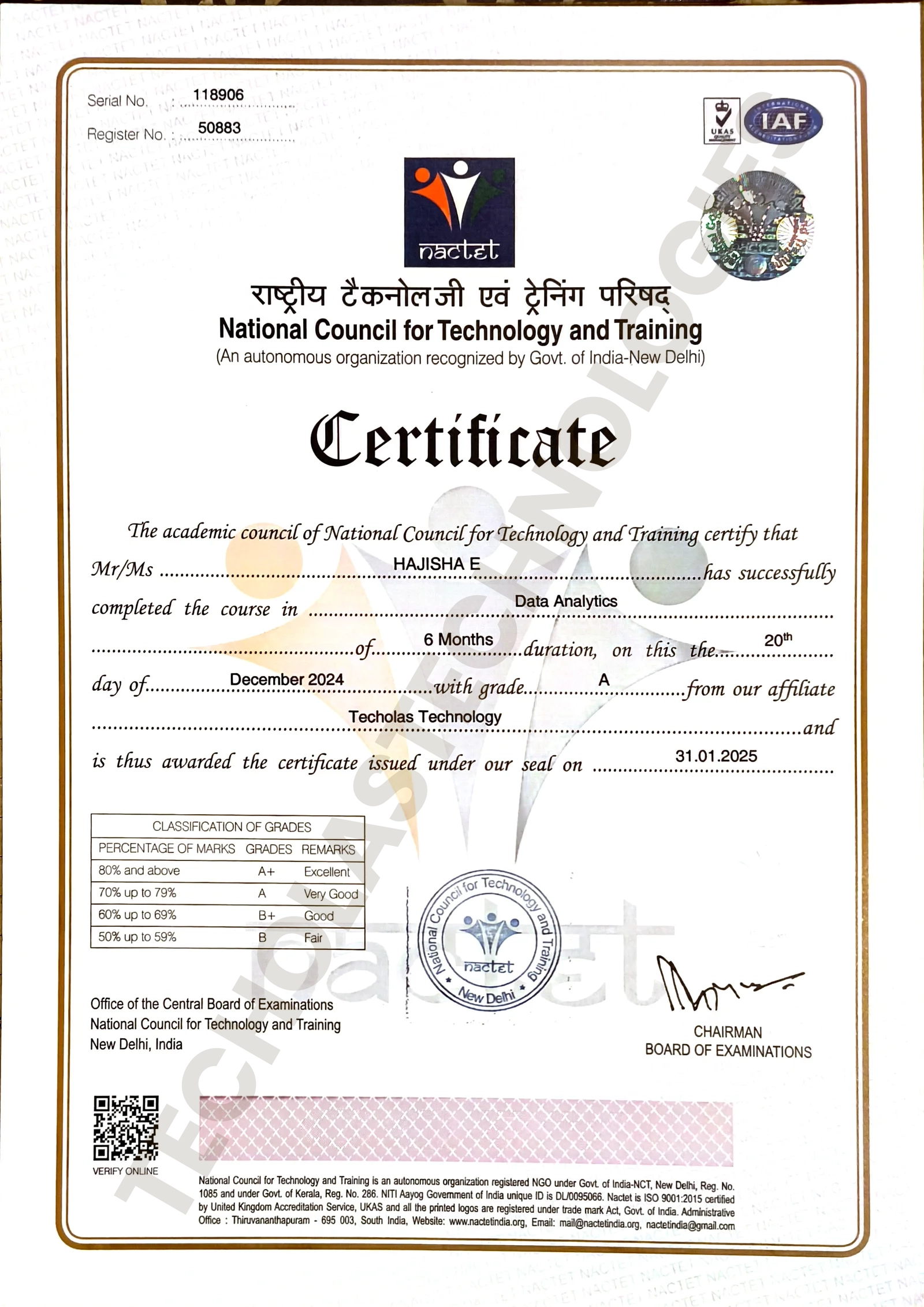
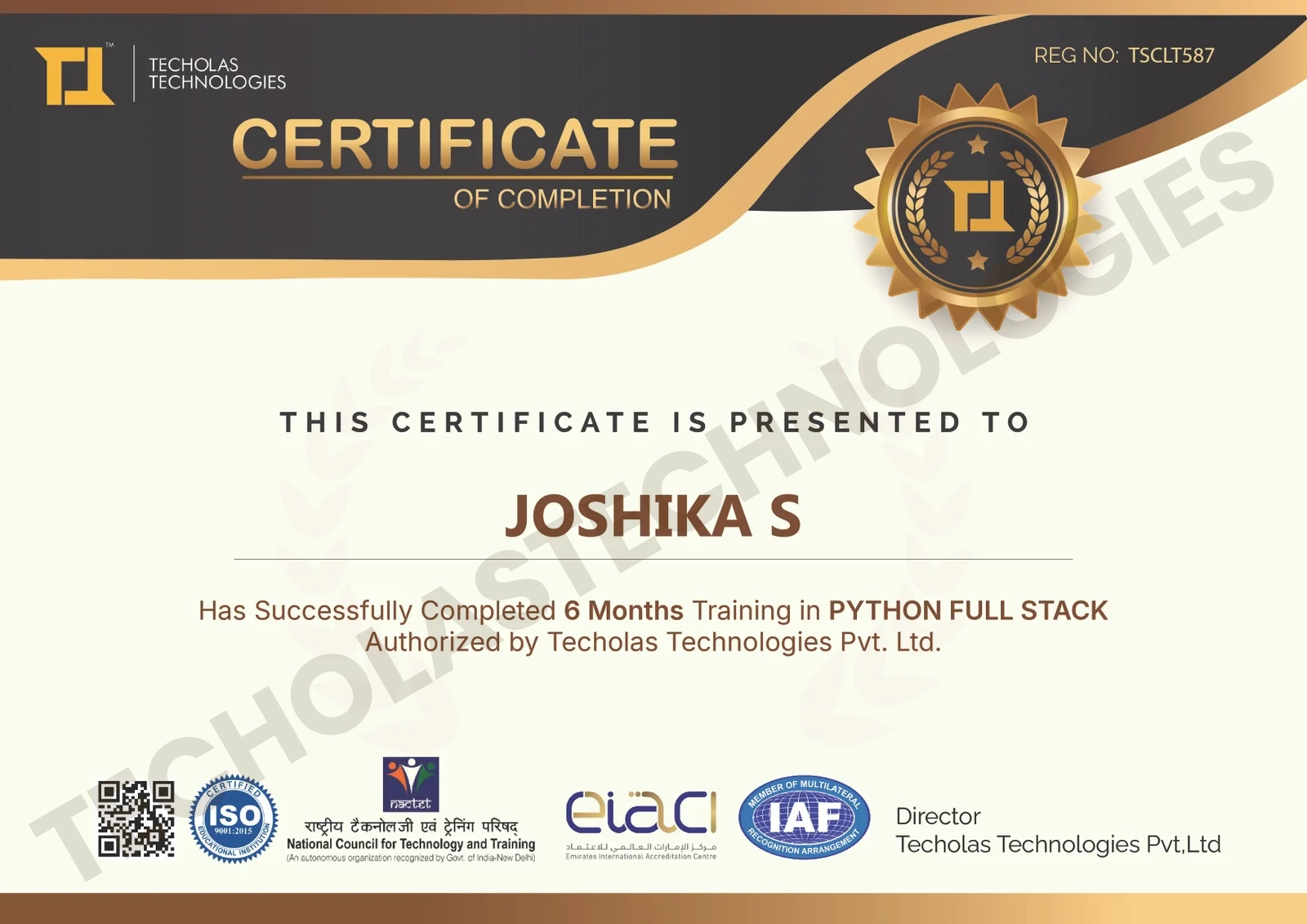
After the completion of your course under our trainers, you will be provided with a total of three certifications which includes- NACTET which has affiliation over 100 and more countries, a certificate of completion and an internship certificate.
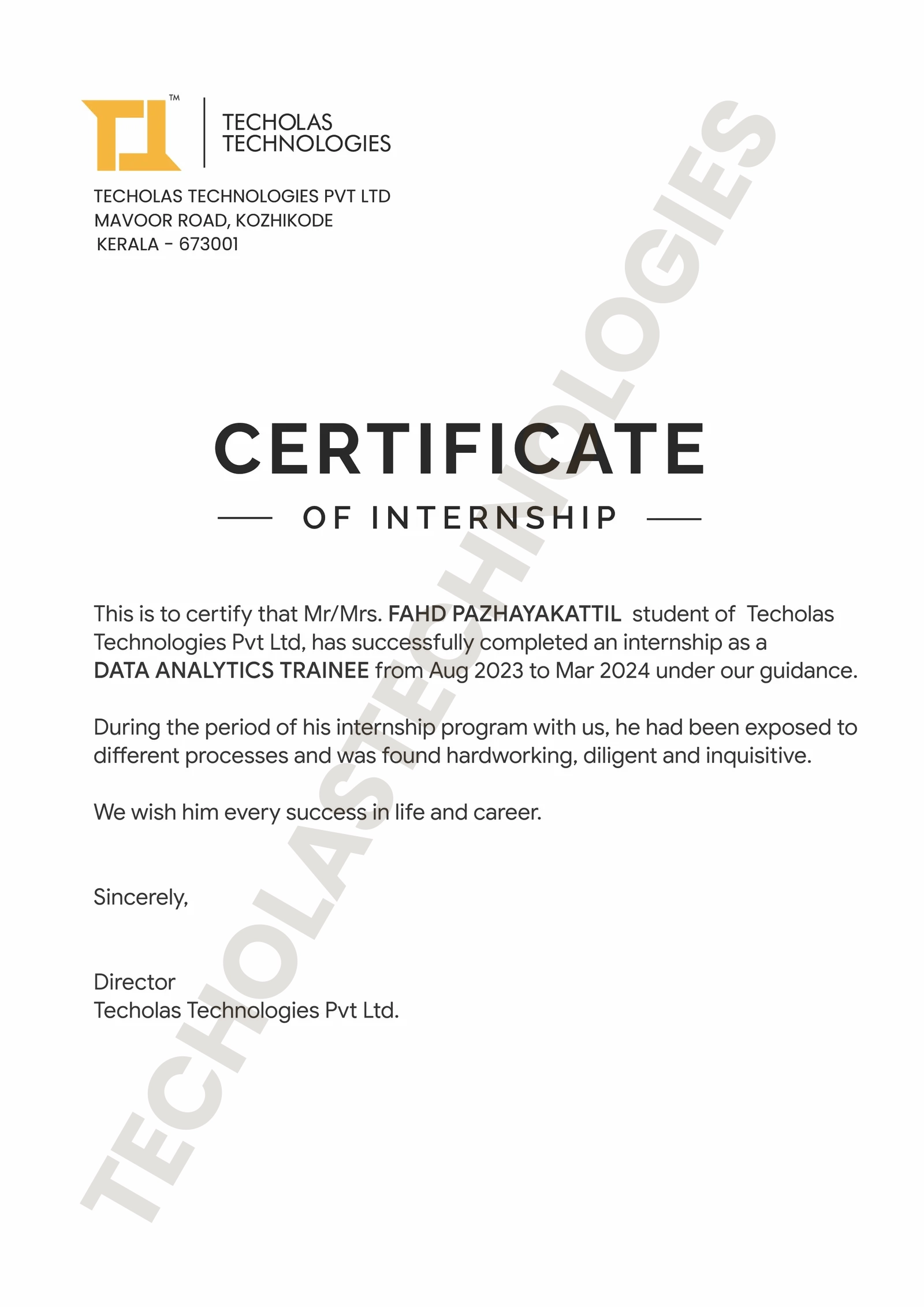
Data Analytics Internship Certification Courses in Calicut
Data Analytics Course Completion Certification in Kozhikode
Data Analytics Training NACTET Certification Courses in Calicut
Data Analytics with GEN-AI

Data Analytics is the process of examining raw data to discover meaningful patterns, trends, and insights that help organizations make informed business decisions. In today’s rapidly evolving digital world, Generative AI is transforming traditional data analytics by enabling intelligent data processing, automated reporting, predictive insights, and faster decision-making.

Our Data Analytics with GenAI Course in Calicut is designed to provide comprehensive, industry-oriented training that combines core data analytics concepts with modern Generative AI technologies. The program covers Python programming, SQL, Advanced Excel, Power BI, Tableau, R Programming, Statistics, Data Visualization, and Machine Learning, along with practical applications of AI tools such as ChatGPT, Gemini, Microsoft Copilot, and OpenAI APIs.

Students gain hands-on experience in collecting, cleaning, processing, analysing, and visualising real-world datasets. They will also learn how to use AI-powered tools to generate SQL queries, automate Excel operations, create intelligent dashboards, interpret complex datasets, and develop AI-driven applications.

The course further explores Machine Learning, Natural Language Processing (NLP), Large Language Models (LLMs), Transformer Architecture, and Generative AI chatbot development. Through practical assignments, industry-based projects, and portfolio development, learners develop the technical and analytical skills required to solve real-world business challenges.

This comprehensive 9-month Data Analytics with GenAI program prepares students to explore career opportunities across industries such as finance, healthcare, retail, marketing, technology, and business intelligence.


What You Will Get to Learn in This Data Analytics with GenAI Course?

Apart from developing your technical and analytical skills, you will gain practical knowledge in:


Who Could Join This Data Analytics with GenAI Course?

This program is suitable for graduates, undergraduates, freshers, working professionals, and individuals interested in building a career in Data Analytics, Business Intelligence, Machine Learning, and AI-powered data solutions.

No advanced programming background is required to begin learning the fundamentals.


The Techolas Learning Advantage

At Techolas Technologies, we focus on overall career development alongside technical excellence.



Modules

Module 1 : INTRODUCTION TO DATA ANALYTICS

  • What is Data and Why It Is Important.
  • The Data Analytics Processs.
  • Types of Data Analytics.
  • Data Collection and Preprocessing.
  • Exploratory Data Analysis (EDA).
  • Data Visualizations.
  • Basics of Statistical Analysis.
  • Predictive Modelling and Machine Learning.
  • Tools and Technologies for Data Analytics.

Module 2: MASTERING GENERATIVE AI: FROM FOUNDATIONS TO ADVANCED PROMPTING

    Foundations of Generative AI
  • Learn Generative AI Fundamentals: What It Is and Its Real-World Applications.
  • Master AI Tools Like ChatGPT and Microsoft Copilot to Boost Productivity.
  • Inside Generative AI: How It Works.
  • Crafting Powerful Prompts: The PROMPT Framework.
  • Discover Prompt Engineering and How to Get Exactly What You Want from AI
  • PROMPT Framework.
  • Unlocking AI’s Full Potential: Advanced Prompting.
  • Zero-Shot, Few-Shot and Chain-of-Thought Techniques.
  • Unlock AI’s Reasoning Power
  • Teach and Fine-Tune AI

Module 3: AI-POWERED PROBLEM SOLVING, BRAINSTORMING AND PROTOTYPING

    AI-Driven Problem Solving and Problem Framing.
  • Understand the Importance of Precise Problem Framing (SOLVE Framework).
  • 5 Whys Technique.
  • Problem Decomposition.
  • Data Gathering.
  • Use ChatGPT to Reframe Problems and Explore Different Perspectives.
  • Recognize AI Limitations, Hallucinations and Bias.
  • Critical Thinking with AI.
  • Brainstorming and Evaluating Solutions.
  • Use ChatGPT as an Ideation Partner.
  • Few-Shot Learning.
  • Role-Playing.
  • Scenario Planning.
  • Evaluate Solutions Using Matrices.
  • Pros and Cons Analysis.
  • ROI Analysis with AI Assistance.
  • Prototyping and Iteration with AI.
  • Understand AI-Accelerated Prototyping.
  • Generate Text-Based Wireframes and Basic UI Layouts Using ChatGPT.
  • Create Visual Prototypes Using PowerPoint.
  • Generate Basic JavaScript Code Snippets Using ChatGPT.
  • Simulate User Feedback and A/B Testing Using AIs.
  • Understand the Importance of a Red Flag Checklist When Using AI for Prototyping.

Module 4: PYTHON PROGRAMMING

    Python Fundamentals.
  • Introduction to Python.
  • Python Environment Setup.
  • IDEs – IDLE and PyCharm.
  • Python Identifiers and Keywords.
  • Installed Modules and Packages.
  • Conditional Statements and Loops.
  • File Handling.
  • Python Data Types and Variables.
  • Python Modules and Packages.
  • Python Files and Directory Manipulation.
  • OS Operations Using File and Directory Functions.
  • Python Core Objects and Functions.
  • Built-in Modules and Library Functions.
  • Numeric and Math Modules.
  • Strings, Lists, Dictionaries and Tuples.
  • Python Built-in Functions.
  • Python Packages and Functions.
  • Anonymous Functions – Lambda Functions.
  • Object-Oriented Python.
  • OOP Concepts.
  • Objects and Classes.
  • Inheritance and Polymorphism.
  • Method Overriding and Data Hiding.
  • Operator Overloading.
  • Abstraction.
  • Encapsulation.
  • Exception Handling.
  • Exception Handling in Python.
  • Handling Exceptions Using try, except and else.
  • try-finally Clause.
  • Arguments of an Exception.
  • Creating Self-Exception Classes.
  • Python Standard Exceptions.
  • Raising an Exception.
  • Advanced Python Concepts.
  • Iterators.
  • Generators.
  • Decorators.
  • Yielding from Generators.
  • Regular Expressions.

Module 5: OPENAI API LIBRARY

    OpenAI Overviews
  • Introduction to Artificial Intelligence and LLMs.
  • Understanding GPT Models and Capabilities.
  • Real-World Applications of OpenAI APIs.
  • Overview of API Endpoints and Use Cases.
  • Setup and Installation
  • Installing the OpenAI Python Library
  • Environment Setup and API Key Configuration
  • Using Virtual Environments for Safe Development
  • Troubleshooting Common Installation Issues
  • Basic Examples
  • Writing Your First OpenAI API Call
  • Text Generation and Completion Examples
  • Handling Prompts and Responses
  • Customizing Output: Temperature, Tokens and Stop Sequences
  • OpenAI in Functions
  • Using OpenAI for Function Calling
  • Passing Structured Data with JSON Schemas
  • Integrating API Calls into Python Functions
  • Automation and Workflow Integration Examples
  • OpenAI OOPs (Object-Oriented Programming)
  • Designing AI-Powered Classes and Objects
  • Building Reusable AI Components
  • Encapsulating API Logic in Classes
  • Creating Scalable and Maintainable AI Applications

MODULE 06 – SQL

  • Introduction to Relational Databases
  • Installation of MySQL Workbench
  • Database Creation – CREATE, DELETE, SHOW and USE
  • Table Creation – CREATE, ALTER, UPDATE, DELETE and SELECT
  • SQL Clauses – WHERE, GROUP BY, ORDER BY, HAVING and LIKE
  • SQL Constraints – UNIQUE, NOT NULL and DEFAULT
  • Primary Key and Foreign Key
  • Stored Procedures
  • Views
  • DCL and TCL
  • AUTO INCREMENT
  • Joins – INNER JOIN, LEFT JOIN, RIGHT JOIN and OUTER JOIN
  • SQL Functions

MODULE 07 – SQL: SMART QUERYING WITH SQLITE

    SQLite Database Mastery
  • Introduction to SQLite Database
  • Intelligent Query Generation and Optimization Using SQLite and AI-Assisted Techniques
  • Query Generation
  • Writing Basic SELECT, INSERT, UPDATE and DELETE Statements
  • Dynamic Query Creation with Python
  • Generating SQL Queries from Natural Language
  • Connecting OpenAI to Generate SQL from Prompts
  • Query Optimization
  • Understanding Query Execution Plans
  • Optimizing Queries for Performance
  • Using Indexes and Joins Effectively
  • AI-Assisted Query Enhancement
  • Auto-Generate Queries
  • Generating SQL Queries Automatically Using AI
  • Translating Business Requirements into SQL
  • Validating and Debugging AI-Generated Queries
  • Best Practices for Safe Query Generation
  • Generate Tables and Insert Statements
  • Creating Database Schemas Automatically
  • Auto-Generating Insert Statements from Data Samples
  • AI-Assisted Table and Field Design
  • Populating and Testing Databases with AI

MODULE 08 – MICROSOFT EXCEL

    Excel Fundamentals
  • Introduction to Excel Interface
  • MS Excel Features
  • Auto Format and AutoSum
  • List AutoFill and AutoFill
  • AutoShapes
  • Types of Cell References
  • Saving and Opening Workbooks
  • Basic to Advanced Data Formatting
  • Sorting and Filtering Data
  • Slicer Creation and Shortcut Menus
  • Data Modification in Cells
  • Managing Worksheets
  • Working with Excel Tables
  • Difference Between Table Format and Excel Table
  • Custom Views
  • Custom Lists
  • Flash Fill Tool
  • Different Worksheet Views
  • Data Validation
  • Find and Replace Data
  • Functions and Formulas
  • IS Functions
  • Conditional Functions
  • Mathematical Functions
  • Find and Search Functions
  • Lookup Functions
  • Reference Functions
  • Date and Time Functions
  • Miscellaneous Functions
  • Rank Functions
  • Logical Functions
  • Advanced Excel
  • What-If Analysis
  • Advanced Excel Using Power Query
  • Dashboard Creation
  • VLOOKUP, HLOOKUP and XLOOKUP
  • ROW() Method
  • Pivot Tables and Pivot Charts
  • VBA Macros
  • Introduction to VBA Macros
  • Creating and Running a Simple Macro
  • VBA Basics
  • Variables and Data Types
  • Control Structures – If-Then, For-Next, etc.
  • Working with Excel Objects – Range, Cells, etc.
  • Conditional Formatting
  • Worksheet Protection

MODULE 09 – EXCEL WITH COPILOT

    Data Summarization
  • Understand Large Datasets Using Copilot Prompts
  • Auto-Generate Concise Summaries and Insights
  • Identify Trends, Anomalies and Key Metrics Instantly
  • Formula Generation
  • Create Complex Formulas Using Natural Language Queries
  • Automate Repetitive Calculations and Logic Building
  • Learn Formula Optimization for Speed and Accuracy
  • Data Cleaning
  • Use AI to Detect and Fix Missing or Inconsistent Data
  • Standardize Text, Dates and Formats
  • Simplify Dataset Preparation for Analysis
  • Pivot Tables
  • Auto-Create Pivot Tables with Copilot
  • Explore Dynamic Grouping, Filtering and Aggregation
  • Summarize Multidimensional Data
  • Dashboards
  • Build Dynamic and Interactive Dashboards in Excel
  • Link Multiple Sheets, Charts and Metrics
  • Automate Refreshes and Updates with Copilot
  • Interactive Slicers
  • Enable Real-Time Data Exploration with Slicers and Filters
  • Design Dashboards That Respond to User Inputs
  • Integrate Slicers with Multiple Charts and Pivot Tables
  • Mini Project: HR Analytics Dashboard with Copilot
  • Employee Demographics and Department Breakdowns
  • Attrition and Retention Trends
  • Performance Analysis
  • Interactive Visual Filters and Dynamic Summaries

MODULE 10 – POWER BI

    Power BI Fundamentals
  • Why Power BI?
  • What Is Power BI?
  • Power BI Installation
  • Features of Power BI
  • Power BI Desktop
  • Power BI Architecture
  • Data Integration
  • Data Transformation
  • Data Modelling
  • Data Visualization
  • Collaboration and Sharing
  • Power BI Components
  • Power Query
  • Power Pivot
  • Power View
  • Power Map
  • Power BI Desktop
  • DAX (Data Analysis Expressions)
  • Creating Dashboards
  • Power Query
  • Filtering Rows
  • Sorting Data
  • Grouping Data by Specific Columns
  • Splitting and Merging Columns
  • Pivoting and Unpivoting Data
  • Replacing Values and Cleaning Text
  • Data Functions
  • Power BI Report Server
  • Power BI Licensing
  • Introduction to Power BI Pro
  • Visualization Using Python
  • Sharing Reports in Various Forms
  • Advanced Data Connectivity

MODULE 11 – POWER BI WITH COPILOT

    Natural Language Queries
  • Interact with Data Using Everyday Language
  • Ask Questions and Generate AI-Powered Visuals
  • Explore Data Without Coding or Complex Filters
  • Automated Report and Dashboard Generation
  • Create Professional Dashboards Using Prompts
  • Copilot-Suggested Layouts, Charts and KPIs
  • Reduce Manual Report-Building Time
  • Data Insights and Explanation
  • Identify Trends and Anomalies
  • Discover Key Drivers of Performance
  • Generate Plain-Language Explanations for Data Fluctuations
  • Formula and DAX Assistance
  • AI-Guided DAX Formula Creation
  • Write and Understand Power BI Expressions
  • Improve Accuracy and Efficiency
  • Scenario Analysis
  • Perform What-If Business Scenario Analysis
  • Evaluate Revenue, Cost and Profit Impacts
  • AI-Driven Forecasting for Strategic Decisions
  • Simplifying Data Preparation
  • AI-Assisted Data Cleaning
  • Data Transformation and Integration
  • Automate Repetitive Power Query Steps
  • Data Import and Preparation
  • Clean and Prepare Sales Datasets
  • Analyse Sales by Region, Product and Salesperson
  • Understand Data Fluctuations
  • Dashboard Design
  • Generate Visuals Using Natural Language Queries
  • Customize KPIs – Total Sales, Profit Margin, Top Products and Sales Trends
  • Insights and Explanations
  • Explain Performance Variations Using Copilot
  • Identify Best-Performing Regions and Products
  • Scenario Analysis
  • Perform What-If Analysis
  • Analyse the Impact of a 10% Price Increase on Total Revenue
  • Final Presentation
  • Create an Interactive Sales Performance Dashboard
  • Present Findings and Recommendations for Sales Improvement

MODULE 12 – TABLEAU

  • Introduction to Tableau
  • Installation of Tableau
  • Data Connection from Various Sources
  • Data Blending
  • Creating Charts in Tableau
  • Filters in Tableau
  • Sorting in Tableau
  • Creating Calculated Fields
  • Applying Analytics to Worksheets
  • Groups, Bins and Parameters
  • Hierarchies
  • Stories in Tableau

MODULE 13 – R AND R STUDIO

  • Introduction to R Programming
  • Installation of R and RStudio
  • Variables
  • Data Types
  • Numbers and Mathematics
  • Strings and Booleans
  • Operators
  • Data Structures
  • Vectors
  • Lists
  • Matrices
  • Arrays
  • Conditional Statements
  • Loops – For and While
  • R Graphics – Plot, Line, Scatter Plot, Pie Chart and Bar Chart
  • Statistics

MODULE 14 – PYTHON LIBRARIES (NUMPY, PANDAS AND MATPLOTLIB)

    NUMPY
  • Installation and Introduction
  • NumPy Arrays
  • Different Ways to Create NumPy Arrays
  • Two-Dimensional Arrays
  • NumPy Array Operations
  • Array Slicing
  • Linear Algebra
  • Loading Data from External Sources
  • PANDAS
  • Introduction to Pandas
  • Series and DataFrames
  • Different Ways to Create DataFrames
  • SQL Read and Write
  • Slicing and Reshaping
  • Operations with DataFrames
  • Date, Time and Index
  • GroupBy Operations
  • Merge and Concatenate
  • Analytics Using Pandas
  • MATPLOTLIB
  • Introduction to Matplotlib
  • Line Plot
  • Bar Plot
  • Scatter Plot
  • Stack Plot
  • Pie Chart
  • Histogram
  • Box Plot
  • Q-Q Plot
  • SEABORN
  • Histplot
  • Countplot
  • Heatmap
  • Lineplot
  • Boxplot

MODULE 15 – MATPLOTLIB LIBRARY

    Introduction to Matplotlib
  • Overview of Matplotlib and Its Ecosystem
  • Understanding Figures, Axes and Plots
  • Basic Plotting Functions and Customization
  • Creating Visual Charts
  • Line, Bar, Pie and Scatter Plots
  • Histogram and Box Plots for Statistical Data
  • 3D and Multi-Plot Visualizations
  • Customization with AI Assistance
  • AI-Driven Colour Palette Selection
  • Auto-Styling and Theme Generation Using GenAI Tools
  • Smart Label and Layout Optimization Suggestions
  • Advanced Chart Formatting
  • Annotations, Legends and Grid Management
  • Subplots and Multiple Figure Management
  • Integration with Pandas and NumPy
  • Data Visualization Suggestions
  • Choosing the Right Chart for Your Data
  • AI Recommendations for Data Storytelling
  • Transforming Raw Data into Meaningful Visuals
  • Hands-On Projects
  • Visualizing Sales, Trends and Performance Data
  • Creating Automated Dashboards

MODULE 16 – STATISTICS

    Statistical Fundamentals
  • Data and Types of Data
  • Types of Statistics
  • Descriptive and Inferential Statistics
  • Skewness and Kurtosis
  • Point Estimates and Confidence Intervals
  • Central Tendency
  • Measures of Spread
  • Measures of Dispersion
  • Variables and Types of Variables
  • Hypothesis Testing
  • Z-Test
  • T-Test
  • F-Test
  • ANOVA Test
  • Chi-Square Test
  • Probability and Distributions
  • Basics of Probability
  • Random Variables and Types of Random Variables
  • Probability Mass Function (PMF)
  • Probability Density Function (PDF)
  • Cumulative Distribution Function (CDF)
  • Types of Distributions
  • Bernoulli Distribution
  • Uniform Distribution
  • Geometric Distribution
  • Binomial Distribution
  • Poisson Distribution
  • Normal Distribution
  • Exponential Distribution
  • Advanced Statistical Concepts
  • Covariance and Correlation
  • Conditional Probability
  • Bayes’ Theorem
  • Central Limit Theorem
  • Sampling and Types of Sampling
  • Absolute and Relative Frequency
  • Ratio, Rate and Proportion
  • Measures of Errors
  • Standard Error
  • Relative Error
  • Confidence Interval
  • IQR
  • Percentile
  • Z-Score

MODULE 17 – DATA PREPARATION

  • Missing Value Handling
  • Outlier Detection and Removal
  • Encoding
  • Scaling
  • Duplicate Data Handling
  • Feature Reduction
  • Imbalanced Data Handling

MODULE 18 – MACHINE LEARNING

    Machine Learning Fundamentals
  • What Is Machine Learning?
  • How Does Machine Learning Work?
  • Types of Machine Learning
  • Supervised Learning
  • Unsupervised Learning
  • Reinforcement Learning
  • AI vs ML vs DL
  • Regression and Classification Algorithms
  • Linear Regression
  • Assumptions of Linear Regression
  • Evaluation Metrics – MSE, RMSE and R2 Score
  • Lasso and Ridge Regression
  • Logistic Regression
  • Confusion Matrix
  • Classification Report
  • ROC and AUC
  • Support Vector Machine (SVM)
  • Decision Tree Algorithm
  • Entropy
  • Gini Index
  • Gain Ratio
  • Random Forest Algorithm
  • K-Nearest Neighbours (KNN)
  • Naive Bayes Algorithm
  • Ensemble Learning
  • Ensemble Learning
  • Bias and Variance
  • Underfitting and Overfitting
  • Bagging
  • Boosting
  • AdaBoost
  • Gradient Boost
  • XGBoost
  • Cross Validation
  • Hyperparameter Tuning
  • UNSUPERVISED LEARNING
  • K-Means Algorithm
  • Hierarchical Clustering
  • DBSCAN Clustering
  • PCA (Principal Component Analysis)
  • Association Rules
  • REINFORCEMENT LEARNING
  • MDP (Markov Decision Process)
  • Q-Learning

MODULE 19 – MACHINE LEARNING PROJECT

    Project Overview and Planning
  • Selecting a Problem Statement
  • Data Collection and Preprocessing
  • Feature Engineering and Selection
  • Model Building and Evaluation
  • Applying Supervised and Unsupervised Learning Algorithms
  • Model Evaluation Metrics – Accuracy, Precision, Recall, etc.
  • Hyperparameter Tuning
  • Performance Optimization
  • Model Deployment Using Flask or Streamlit
  • Building a Web-Based ML Application
  • Designing Interactive User Interfaces
  • Deploying Models Locally and on the Cloud
  • GenAI-Powered Enhancements
  • Integrating AI Assistants for Project Automation
  • Using Generative AI for Model Explanation and Documentation
  • Auto-Generating Visual Summaries and Reports
  • Final Project Showcase
  • Real-World Dataset Implementation
  • Live Project Demonstration Using Flask or Streamlit
  • Report Presentation and Insights Delivery

MODULE 20 – GENERATIVE AI (GenAI)

    Natural Language Processing (NLP)
  • Overview of NLP
  • What Is NLP?
  • Importance and Real-World Applications
  • Key NLP Tasks – Sentiment Analysis, Text Summarization, etc.
  • Tokenization
  • Concept of Tokens
  • Word, Sentence and Subword Tokenization
  • Byte Pair Encoding (BPE)
  • Embeddings
  • Word2Vec
  • GloVe
  • Contextual Embeddings
  • Vector Space Representation of Words
  • Semantic Similarity and Meaning Representation
  • Transformer Architecture
  • Understanding Transformers
  • Encoder-Decoder Structure
  • Attention and Self-Attention Mechanisms
  • Positional Encoding
  • Why Transformers Are Key in GenAI
  • Handling Long-Range Dependencies
  • Parallel Processing Advantage
  • Foundation for LLMs and ChatGPT
  • Recurrent Neural Networks (RNN)
  • RNN Architecture
  • Sequential Data Modelling
  • Hidden States and Temporal Dependencies
  • LSTM and GRU Networks
  • RNN vs Transformer
  • Performance Comparison
  • Limitations of RNNs
  • Why Transformers Replaced RNNs in GenAI
  • Large Language Models (LLMs)
  • How LLMs Work
  • Training on Massive Datasets
  • Pre-Training and Fine-Tunings
  • Prompting and Contextual Understanding
  • Applications of LLMs
  • Text Generation and Completion
  • Summarization, Translation and Q&A Systems
  • Code Generation and Creative Writing
  • Chatbots
  • Introduction to Chatbots
  • Evolution of Chatbots
  • Rule-Based vs AI-Powered Bots
  • Types of Chatbots
  • Scripted Bots
  • NLP-Based Bots
  • Generative AI Chatbots
  • Required Libraries and Frameworks
  • Python Libraries – NLTK and spaCy
  • Hugging Face Transformers
  • TensorFlow
  • PyTorch
  • APIs for Deployment
  • MAIN PROJECT – CHATBOT CREATION

    Capstone Project: Build an Intelligent AI Chatbot
  • Define Chatbot Purpose and Scope
  • Design Conversation Flow
  • Implement NLP Preprocessing – Tokenization and Embeddings
  • Integrate a Transformer-Based Model – GPT, BERT, etc
  • Deploy Chatbot Using a Web Interface – Streamlit or Flask
  • Learning Outcome
  • By the end of this module, learners will be able to design, train and deploy a functional AI-driven chatbot leveraging NLP and LLM technologies.

MODULE 21 – WEB SCRAPING

  • Introduction to Web Scraping
  • Applications of Web Scraping
  • Retrieving Web Contents
  • Parsing HTML and XML
  • Handling Authentication and Forms
  • Scraping Structured Data
  • Storing Scraped Data
  • Ethical Considerations and Best Practices
  • Handling Authentication and Forms
  • Advanced Topics in Web Scraping
  • Web Scraping Using Selenium